Three numbers, priced separately
Memory, vCPU and storage each have a price, and you set each one. The four presets are just starting points. Nobody's sold a tier of storage to get one more vCPU.
Managed WordPress Hosting built different 💪
Not a grid of icons. This is the whole product, grouped by when you'd actually reach for each part: from sizing a Pressy to the day you decide to leave.
A Pressy is one WordPress site with its own resources and its own bill. You pick the size, or you pick the kind of site and we pick the size.
Memory, vCPU and storage each have a price, and you set each one. The four presets are just starting points. Nobody's sold a tier of storage to get one more vCPU.
Twelve of them, one per kind of site: landing page, blog, restaurant, bookings, shop, membership, magazine, course and more. Each picks the size that suits the workload and installs a theme and up to five plugins while your Pressy is built, so the first screen you see is a site rather than an empty install.
 Fully cacheable, so one vCPU is plenty. Jetpack pushes stats, related posts and image serving to WordPress.com, which lowers the load here rather than adding to it — trim the modules you don't use.
Most hosts just tell you a site appears. Here's what actually happens between paying and a live WordPress site: the same five steps you watch as they run.
Usually under five minutes, start to finish
Your account and subscription, set up cleanly.
Your own container, on your address, with the memory and CPU you paid for, and nobody else in it.
The latest version, installed clean, with your Stack's theme and plugins, if you chose one.
Your resource limits, PHP and caching, set from the numbers you picked.
HTTPS, issued and verified before we call it ready, so it's secure the moment it's live.
Then an email. You don't have to sit and watch a progress bar. Close the tab whenever.
The things you shouldn't have to write a ticket about, or remember, or configure. This is most of what a host is for and most of what a host makes you do.
Automatic backups on a schedule, kept 30 days, plus manual ones whenever you want. Restores are free and unlimited and never touch your domain or DNS, so restoring is not a thing to be afraid of at 2am.
WordPress minor and security releases install themselves from the day your Pressy is built. A core update you start from the dashboard takes a new or recent backup first, checks the site still answers, and attempts a restore from that backup if it does not.
The dashboard is built for one site, so everything here is one screen rather than a category of a category. All of it is optional: you can run a Pressy for a year and open none of it.
Change version in one click, each showing whether it still gets security updates. The four limits people are always told to raise are one click each, and there's a live error log that groups the repeats.
Add a public key and sign in without a password; we never see your private key. FTPS is explicit TLS on port 21, and the screen names the exact client setting to choose, because the near-universal wrong guess is SFTP, and it just fails to connect.
The part the rest of the industry solves by selling you the next plan up. A Pressy changes shape without moving, and you can rehearse anything first.
Not at renewal, not by contacting sales. Upgrades take effect immediately and are pro-rated to the day; downgrades land at the end of the period so you never pay twice for the same window. Both quote the exact figure before you confirm.
A full second copy at its own address, free and not counted against your plan. Sync down and push live are whole-site operations, and pushing to live backs up your live site first, cancelling the push if that backup fails.
Support is for when something's broken, not for getting ordinary things done. So this is mostly what you can put right yourself, and how you always know where you stand.
Free and unlimited, and a restore never touches your domain or DNS. You can also download a .tar.gz of the whole site, files and database, whenever you want, without asking anyone.
What's protecting your Pressy, stated as plain facts: firewall, HTTPS, backups, container isolation. No attack counter, no security score. A made-up number is worse than none.
The section most hosting companies don't write. Leaving is a thing customers do, and making it awkward has never once persuaded anybody to stay.
Once a cancelled Pressy goes offline it can be brought back in full for 37 days, files, database and backups, with the Reactivate button on its own page. Reactivating starts a new subscription at the then-current price. After those 37 days it is deleted, backups included.
A .tar.gz of files and database, downloadable at any time, in the format every other WordPress host accepts. We would rather you could leave easily than have you stay because you couldn't.
Two kinds of thing on this list: choices we've made and would make again, and work that genuinely isn't done. We've marked which is which, because you'll find out either way and it may as well be from us.
A decision. Get it from someone who does it well and won't throttle you to protect their own IP reputation.
Not yet. A Pressy belongs to one account today, so handing a finished site to a client means handing over the account. A real transfer is on the list.
A decision, and the product itself. One Pressy is one site. That is the thing we're arguing for, not a limitation we're apologising for.
Not yet. Cloudflare in front of a Pressy works today and costs nothing, and we'd rather say that than sell you ours.
Not yet. One region today. More is on the roadmap, but we won't put a date on it we can't keep.
Not planned. Email tickets and docs, answered by the person who built the thing you're asking about.
A Stack picks the size that suits the workload and installs a theme and up to five plugins while your Pressy is built. It adds no capability. It removes the blank page. Everything is yours to change the moment it's live.
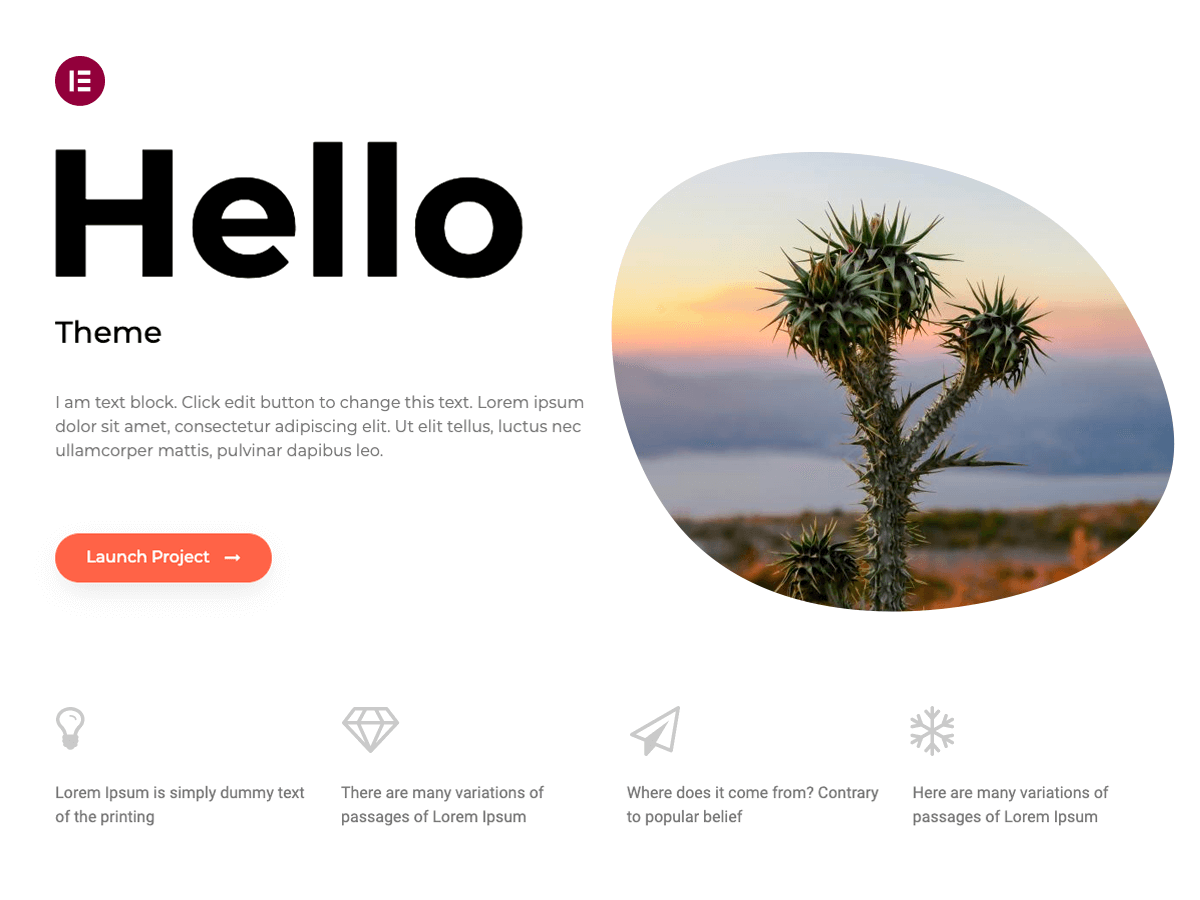 One page that loads instantly and collects an email address. SeedProd puts a real page up in minutes, and Elementor is there if it grows into a full site.Fully cacheable, so one vCPU is plenty. Jetpack pushes stats, related posts and image serving to WordPress.com, which lowers the load here rather than adding to it — trim the modules you don't use.
 A few pages, a contact form and a phone number that has to work on a phone. Site Kit wires up Analytics and Search Console in one step.
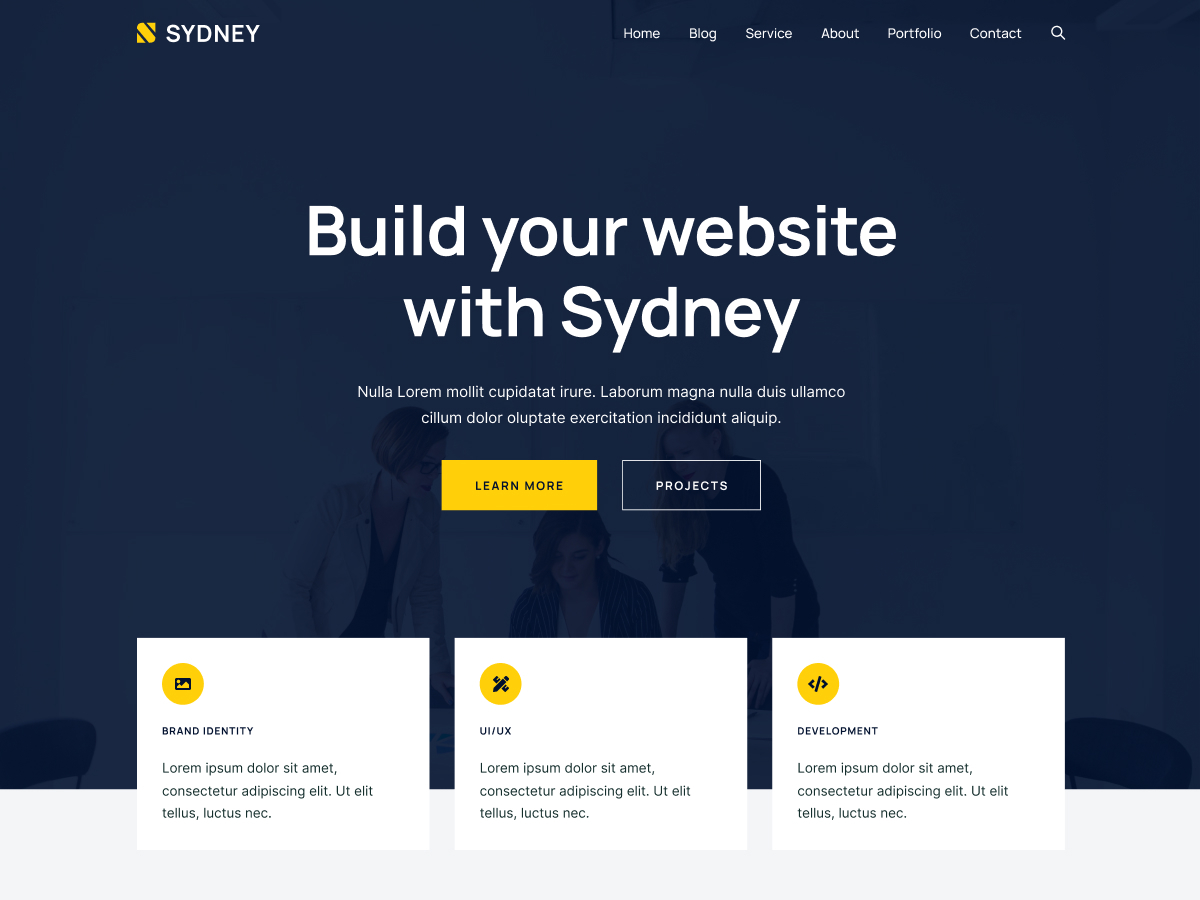 Mostly static pages with a trickle of booking traffic. No mega-install menu plugin exists, so the menu is an Elementor page; the food photography is what justifies the storage.
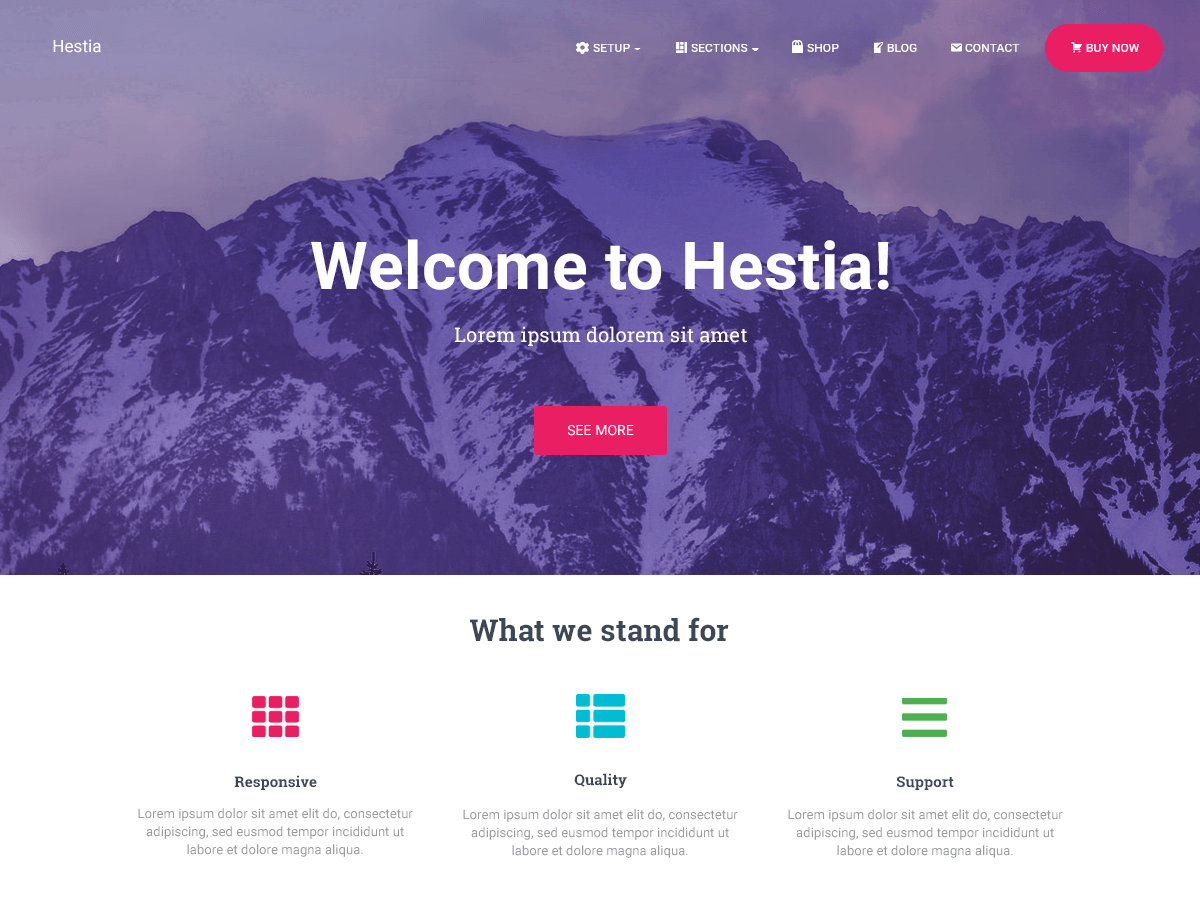 Booking flows can't be cached — every step is a real request — which is what the second core is for.
 Serving is cached, so one vCPU is plenty, but high-resolution libraries eat disk fast. Let LiteSpeed handle image optimisation rather than stacking a second pipeline on top of it.
 A first catalogue with real checkouts. Carts and checkouts are uncacheable by definition, so the second core does the work the cache can't.
No feature held back for a bigger plan, and no line above that needs a sales call to unlock. Size one and see.